Effective monitoring is critical for maintaining reliable systems. This guide shows you how to build a complete observability stack using Prometheus, Grafana, and Alertmanager.
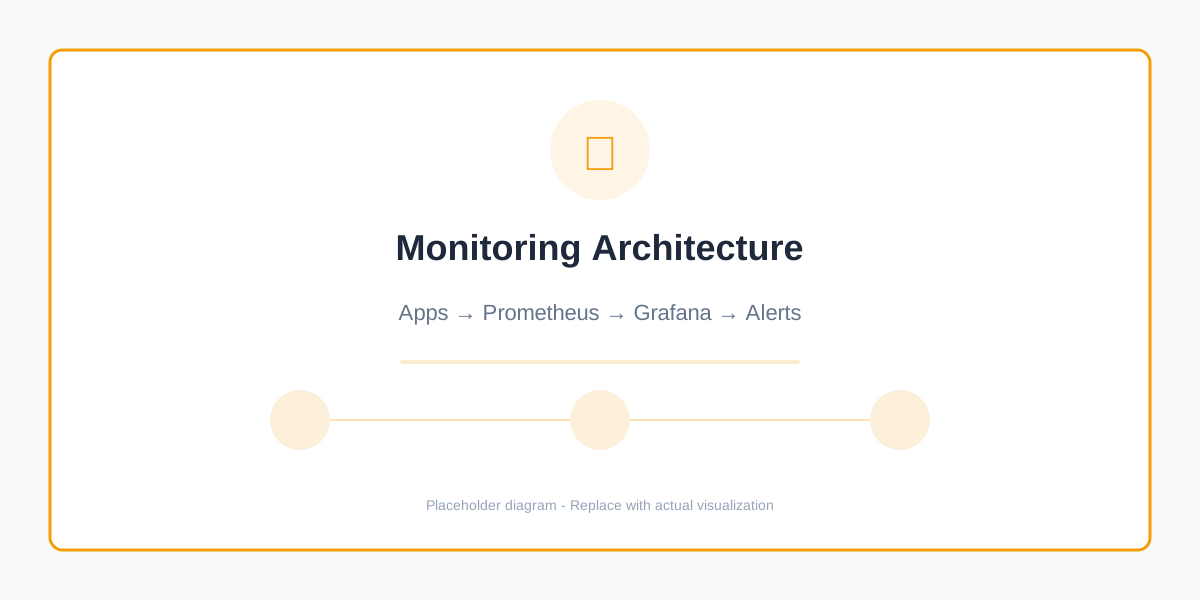
Figure 1: Complete monitoring and observability architecture
Why Prometheus + Grafana?
- ✅ Open Source - No vendor lock-in
- ✅ Kubernetes Native - Built for cloud-native apps
- ✅ Powerful Query Language - PromQL for metrics
- ✅ Beautiful Dashboards - Grafana visualization
- ✅ Alert Management - Proactive issue detection
1. Prometheus Setup
Helm Installation
# Add Prometheus Helm repository
helm repo add prometheus-community https://prometheus-community.github.io/helm-charts
helm repo update

# Install Prometheus
helm install prometheus prometheus-community/kube-prometheus-stack \
  --namespace monitoring \
  --create-namespace \
  --set prometheus.prometheusSpec.retention=30d \
  --set prometheus.prometheusSpec.storageSpec.volumeClaimTemplate.spec.resources.requests.storage=50Gi
Custom Values
# prometheus-values.yaml
prometheus:
  prometheusSpec:
    retention: 30d
    retentionSize: "45GB"

    resources:
      requests:
        cpu: 500m
        memory: 2Gi
      limits:
        cpu: 2000m
        memory: 4Gi

    storageSpec:
      volumeClaimTemplate:
        spec:
          accessModes: ["ReadWriteOnce"]
          resources:
            requests:
              storage: 50Gi

    # Service monitors
    serviceMonitorSelectorNilUsesHelmValues: false
    podMonitorSelectorNilUsesHelmValues: false

grafana:
  adminPassword: "secure-password-here"

  persistence:
    enabled: true
    size: 10Gi

  dashboardProviders:
    dashboardproviders.yaml:
      apiVersion: 1
      providers:
      - name: 'default'
        folder: 'General'
        type: file
        options:
          path: /var/lib/grafana/dashboards/default

alertmanager:
  config:
    global:
      resolve_timeout: 5m
    route:
      group_by: ['alertname', 'cluster', 'service']
      group_wait: 10s
      group_interval: 10s
      repeat_interval: 12h
      receiver: 'slack-notifications'

    receivers:
    - name: 'slack-notifications'
      slack_configs:
      - api_url: 'YOUR_SLACK_WEBHOOK_URL'
        channel: '#alerts'
        title: 'Kubernetes Alert'
2. Application Instrumentation
Python Flask Example
# app.py
from flask import Flask, jsonify
from prometheus_client import Counter, Histogram, Gauge, generate_latest
import time

app = Flask(__name__)

# Metrics
REQUEST_COUNT = Counter(
    'app_requests_total',
    'Total request count',
    ['method', 'endpoint', 'status']
)

REQUEST_DURATION = Histogram(
    'app_request_duration_seconds',
    'Request duration in seconds',
    ['method', 'endpoint']
)

ACTIVE_REQUESTS = Gauge(
    'app_active_requests',
    'Number of active requests'
)

@app.before_request
def before_request():
    ACTIVE_REQUESTS.inc()
    request.start_time = time.time()

@app.after_request
def after_request(response):
    ACTIVE_REQUESTS.dec()

    request_duration = time.time() - request.start_time
    REQUEST_DURATION.labels(
        method=request.method,
        endpoint=request.endpoint
    ).observe(request_duration)

    REQUEST_COUNT.labels(
        method=request.method,
        endpoint=request.endpoint,
        status=response.status_code
    ).inc()

    return response

@app.route('/metrics')
def metrics():
    return generate_latest()

@app.route('/api/users')
def get_users():
    # Your application logic
    return jsonify({"users": []})

if __name__ == '__main__':
    app.run(host='0.0.0.0', port=5000)
ServiceMonitor for Prometheus
apiVersion: monitoring.coreos.com/v1
kind: ServiceMonitor
metadata:
  name: my-app
  namespace: production
  labels:
    app: my-app
spec:
  selector:
    matchLabels:
      app: my-app
  endpoints:
  - port: metrics
    interval: 30s
    path: /metrics
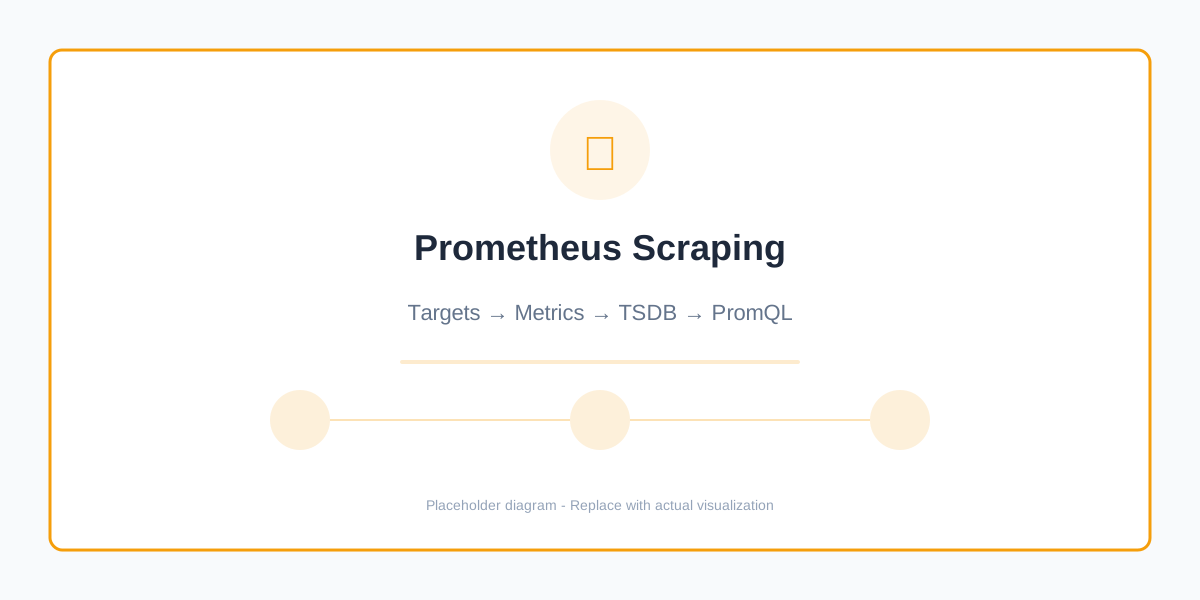
Figure 2: Prometheus service discovery and scraping
3. Essential PromQL Queries
Request Rate
# Requests per second
rate(app_requests_total[5m])

# By endpoint
sum(rate(app_requests_total[5m])) by (endpoint)

# Error rate (4xx and 5xx)
sum(rate(app_requests_total{status=~"4..|5.."}[5m]))
/
sum(rate(app_requests_total[5m]))
Latency
# 95th percentile latency
histogram_quantile(0.95,
  rate(app_request_duration_seconds_bucket[5m])
)

# Average latency
rate(app_request_duration_seconds_sum[5m])
/
rate(app_request_duration_seconds_count[5m])
Resource Usage
# CPU usage
rate(container_cpu_usage_seconds_total[5m])

# Memory usage
container_memory_usage_bytes

# Disk usage
(1 - (node_filesystem_avail_bytes / node_filesystem_size_bytes)) * 100
4. Grafana Dashboards
Import Community Dashboards
Popular dashboard IDs:
- 315 - Kubernetes cluster monitoring
- 6417 - Kubernetes deployment statefulset daemonset
- 747 - Kubernetes pod monitoring
- 1860 - Node Exporter full
Custom Dashboard Example
{
  "dashboard": {
    "title": "Application Metrics",
    "panels": [
      {
        "title": "Request Rate",
        "targets": [
          {
            "expr": "sum(rate(app_requests_total[5m])) by (endpoint)"
          }
        ],
        "type": "graph"
      },
      {
        "title": "Error Rate",
        "targets": [
          {
            "expr": "sum(rate(app_requests_total{status=~\"5..\"}[5m]))"
          }
        ],
        "type": "stat",
        "thresholds": [
          { "value": 0, "color": "green" },
          { "value": 0.01, "color": "yellow" },
          { "value": 0.05, "color": "red" }
        ]
      }
    ]
  }
}
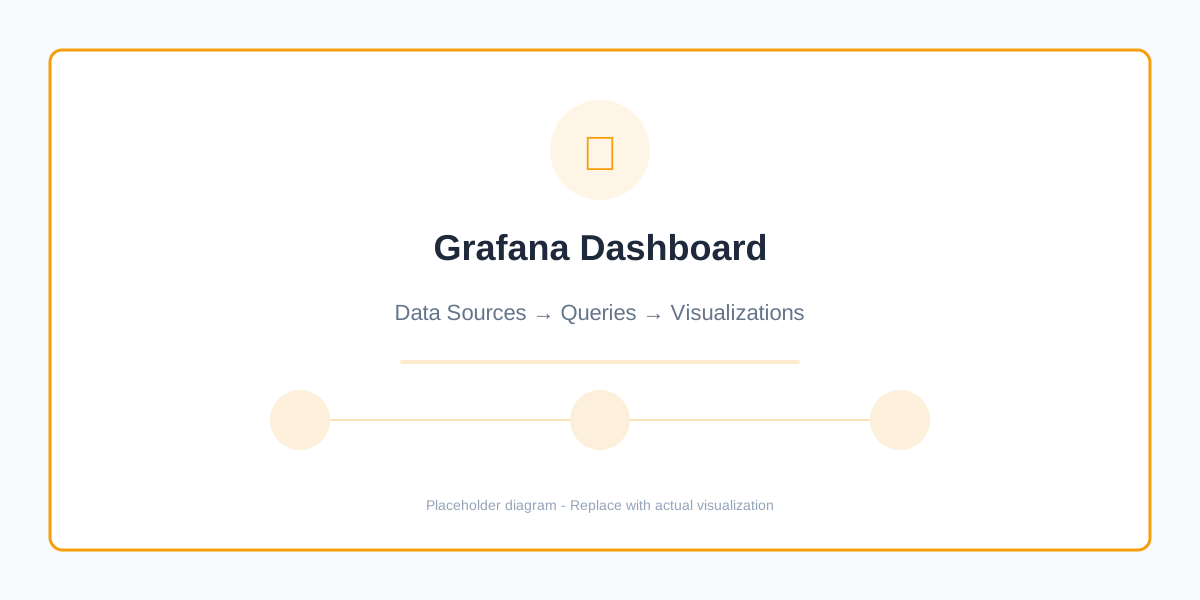
Figure 3: Custom Grafana dashboard with key metrics
5. Alerting Rules
PrometheusRule
apiVersion: monitoring.coreos.com/v1
kind: PrometheusRule
metadata:
  name: app-alerts
  namespace: production
spec:
  groups:
  - name: app.rules
    interval: 30s
    rules:
    # High error rate
    - alert: HighErrorRate
      expr: |
        sum(rate(app_requests_total{status=~"5.."}[5m]))
        /
        sum(rate(app_requests_total[5m]))
        > 0.05
      for: 5m
      labels:
        severity: critical
      annotations:
        summary: "High error rate detected"
        description: "Error rate is {{ $value | humanizePercentage }} (threshold: 5%)"

    # High latency
    - alert: HighLatency
      expr: |
        histogram_quantile(0.95,
          rate(app_request_duration_seconds_bucket[5m])
        ) > 1
      for: 5m
      labels:
        severity: warning
      annotations:
        summary: "High latency detected"
        description: "95th percentile latency is {{ $value }}s"

    # Pod down
    - alert: PodDown
      expr: |
        kube_pod_status_phase{phase="Running"} == 0
      for: 5m
      labels:
        severity: critical
      annotations:
        summary: "Pod {{ $labels.pod }} is down"
        description: "Pod has been down for more than 5 minutes"

    # High memory usage
    - alert: HighMemoryUsage
      expr: |
        (container_memory_usage_bytes / container_spec_memory_limit_bytes) > 0.9
      for: 5m
      labels:
        severity: warning
      annotations:
        summary: "High memory usage"
        description: "Container {{ $labels.container }} using {{ $value | humanizePercentage }} of memory limit"
6. Alertmanager Configuration
apiVersion: v1
kind: ConfigMap
metadata:
  name: alertmanager-config
  namespace: monitoring
data:
  alertmanager.yml: |
    global:
      resolve_timeout: 5m
      slack_api_url: 'YOUR_SLACK_WEBHOOK'

    route:
      receiver: 'default-receiver'
      group_by: ['alertname', 'cluster', 'service']
      group_wait: 10s
      group_interval: 10s
      repeat_interval: 12h

      routes:
      # Critical alerts to PagerDuty
      - match:
          severity: critical
        receiver: 'pagerduty'
        continue: true

      # All alerts to Slack
      - match_re:
          severity: (warning|critical)
        receiver: 'slack-notifications'

    receivers:
    - name: 'default-receiver'

    - name: 'slack-notifications'
      slack_configs:
      - channel: '#alerts'
        title: '{{ .GroupLabels.alertname }}'
        text: '{{ range .Alerts }}{{ .Annotations.description }}{{ end }}'
        send_resolved: true

    - name: 'pagerduty'
      pagerduty_configs:
      - service_key: 'YOUR_PAGERDUTY_KEY'
        description: '{{ .GroupLabels.alertname }}'
7. Log Aggregation with Loki
# Loki installation
apiVersion: v1
kind: ConfigMap
metadata:
  name: loki-config
  namespace: monitoring
data:
  loki.yaml: |
    auth_enabled: false

    server:
      http_listen_port: 3100

    ingester:
      lifecycler:
        ring:
          kvstore:
            store: inmemory
          replication_factor: 1

    schema_config:
      configs:
        - from: 2020-10-24
          store: boltdb-shipper
          object_store: s3
          schema: v11
          index:
            prefix: index_
            period: 24h
Query Logs in Grafana
# All logs from namespace
{namespace="production"}

# Error logs
{namespace="production"} |= "error"

# JSON parsing
{namespace="production"} | json | level="error"

# Rate of errors
rate({namespace="production"} |= "error" [5m])
8. Distributed Tracing
Jaeger Setup
# Install Jaeger operator
kubectl create namespace observability
kubectl apply -f https://github.com/jaegertracing/jaeger-operator/releases/download/v1.42.0/jaeger-operator.yaml

# Create Jaeger instance
kubectl apply -f - <<EOF
apiVersion: jaegertracing.io/v1
kind: Jaeger
metadata:
  name: jaeger
  namespace: observability
spec:
  strategy: production
  storage:
    type: elasticsearch
EOF
9. Complete Observability Stack
| Component | Purpose | Retention |
|---|---|---|
| Prometheus | Metrics collection | 30 days |
| Grafana | Visualization | N/A |
| Alertmanager | Alert routing | N/A |
| Loki | Log aggregation | 7 days |
| Jaeger | Distributed tracing | 7 days |
| Node Exporter | Node metrics | N/A |
| kube-state-metrics | Kubernetes metrics | N/A |
10. Best Practices
Metric Naming
# Good naming convention
app_request_duration_seconds
app_requests_total
app_active_connections

# Bad naming
requestTime
total_requests
connections
Label Usage
# Good - Cardinality controlled
REQUEST_COUNT.labels(
    method="GET",
    endpoint="/api/users",
    status=200
)

# Bad - High cardinality (user_id changes frequently)
REQUEST_COUNT.labels(
    user_id="12345",  # Don't do this!
    endpoint="/api/users"
)
Monitoring Checklist
- [ ] Prometheus installed with persistent storage
- [ ] Grafana dashboards configured
- [ ] Application metrics exposed
- [ ] ServiceMonitors created
- [ ] Alert rules defined
- [ ] Alertmanager configured
- [ ] Log aggregation setup
- [ ] Tracing implemented (optional)
- [ ] On-call rotation established
Common Metrics to Track
Golden Signals (SRE)
- Latency - Request duration
- Traffic - Requests per second
- Errors - Error rate
- Saturation - Resource usage
RED Method
- Rate - Requests per second
- Errors - Failed requests
- Duration - Response time
USE Method
- Utilization - % time resource busy
- Saturation - Queue depth
- Errors - Error count
Troubleshooting
# Check Prometheus targets
kubectl port-forward -n monitoring svc/prometheus-kube-prometheus-prometheus 9090:9090

# View Alertmanager
kubectl port-forward -n monitoring svc/prometheus-kube-prometheus-alertmanager 9093:9093

# Check Grafana
kubectl port-forward -n monitoring svc/prometheus-grafana 3000:80

# Validate ServiceMonitor
kubectl get servicemonitor -A

# Check Prometheus logs
kubectl logs -n monitoring prometheus-prometheus-0 -c prometheus
Conclusion
A complete observability stack provides:
- ✅ Real-time visibility into system health
- ✅ Proactive alerting before users notice issues
- ✅ Historical data for capacity planning
- ✅ Fast troubleshooting with correlated data
- ✅ Performance insights for optimization
Start with the basics and expand as your monitoring needs grow.
Need help with observability? Contact us for monitoring and SRE consulting.