A robust CI/CD pipeline is essential for modern software delivery. This guide shows you how to build a complete pipeline using GitHub Actions, from code commit to production deployment.
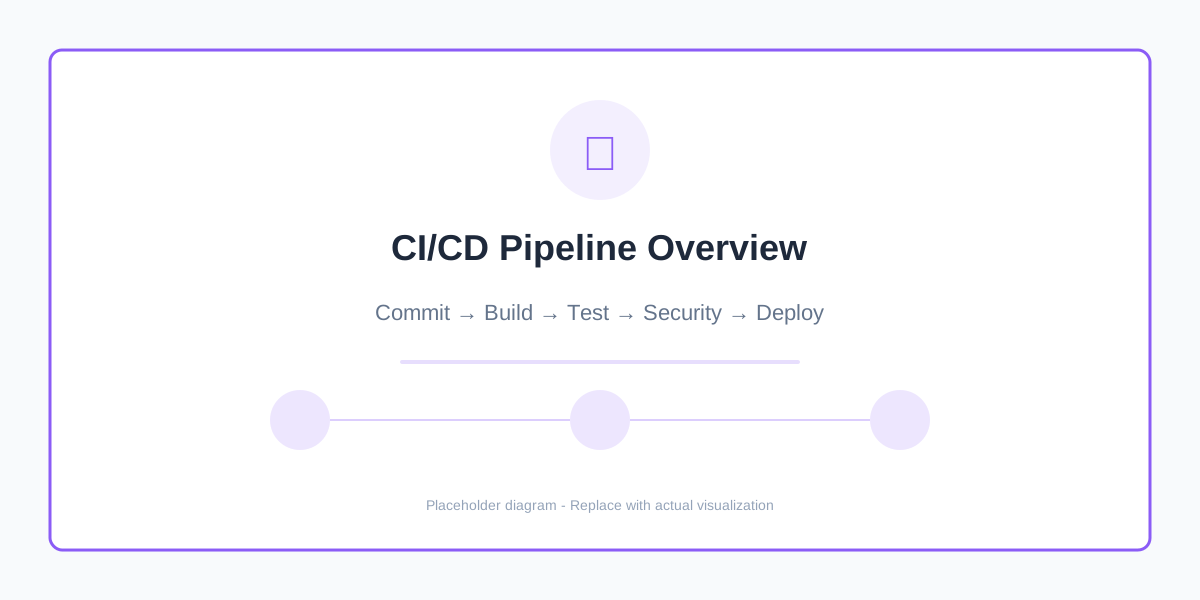
Figure 1: Complete CI/CD pipeline architecture
Pipeline Overview
Our pipeline will include:
- Code Quality - Linting and formatting
- Testing - Unit, integration, and end-to-end tests
- Security Scanning - Dependency and container scanning
- Build - Docker image creation
- Deploy - Automated deployment to staging/production
1. Basic Workflow Structure
# .github/workflows/ci-cd.yml
name: CI/CD Pipeline

on:
  push:
    branches: [main, develop]
  pull_request:
    branches: [main]

env:
  REGISTRY: ghcr.io
  IMAGE_NAME: ${{ github.repository }}

jobs:
  # Jobs defined below
2. Code Quality Stage
  lint-and-format:
    name: Code Quality
    runs-on: ubuntu-latest
    steps:
      - uses: actions/checkout@v3

      - name: Setup Python
        uses: actions/setup-python@v4
        with:
          python-version: '3.11'
          cache: 'pip'

      - name: Install dependencies
        run: |
          pip install flake8 black isort mypy

      - name: Run Black (formatting)
        run: black --check .

      - name: Run isort (imports)
        run: isort --check-only .

      - name: Run Flake8 (linting)
        run: flake8 . --max-line-length=120

      - name: Run MyPy (type checking)
        run: mypy src/
3. Testing Stage
  test:
    name: Run Tests
    runs-on: ubuntu-latest
    needs: lint-and-format

    services:
      postgres:
        image: postgres:15-alpine
        env:
          POSTGRES_PASSWORD: testpass
          POSTGRES_DB: testdb
        options: >-
          --health-cmd pg_isready
          --health-interval 10s
          --health-timeout 5s
          --health-retries 5

      redis:
        image: redis:7-alpine
        options: >-
          --health-cmd "redis-cli ping"
          --health-interval 10s
          --health-timeout 5s
          --health-retries 5

    steps:
      - uses: actions/checkout@v3

      - name: Setup Python
        uses: actions/setup-python@v4
        with:
          python-version: '3.11'
          cache: 'pip'

      - name: Install dependencies
        run: |
          pip install -r requirements.txt
          pip install pytest pytest-cov pytest-asyncio

      - name: Run unit tests
        run: pytest tests/unit -v --cov=src --cov-report=xml

      - name: Run integration tests
        env:
          DATABASE_URL: postgresql://postgres:testpass@localhost:5432/testdb
          REDIS_URL: redis://localhost:6379
        run: pytest tests/integration -v

      - name: Upload coverage to Codecov
        uses: codecov/codecov-action@v3
        with:
          file: ./coverage.xml
          fail_ci_if_error: true
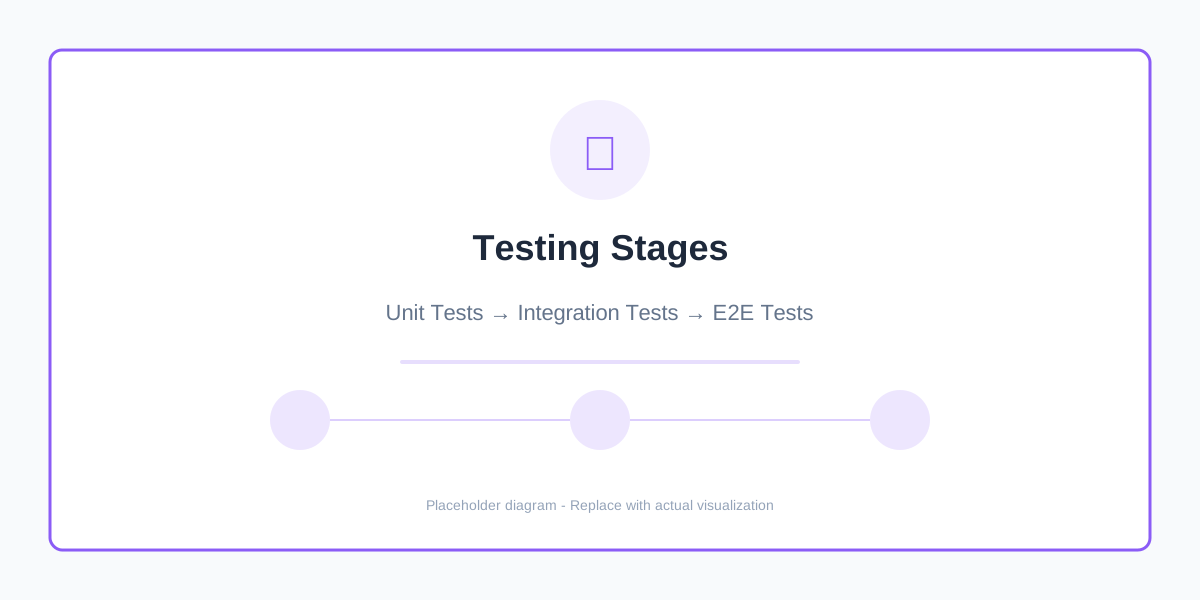
Figure 2: Multi-stage testing approach
4. Security Scanning
  security-scan:
    name: Security Scanning
    runs-on: ubuntu-latest
    needs: lint-and-format

    steps:
      - uses: actions/checkout@v3

      - name: Run Bandit (Python security)
        run: |
          pip install bandit
          bandit -r src/ -f json -o bandit-report.json

      - name: Dependency check
        uses: pyupio/safety@2.3.5
        with:
          api-key: ${{ secrets.SAFETY_API_KEY }}

      - name: Run Trivy vulnerability scanner
        uses: aquasecurity/trivy-action@master
        with:
          scan-type: 'fs'
          scan-ref: '.'
          format: 'sarif'
          output: 'trivy-results.sarif'

      - name: Upload to GitHub Security
        uses: github/codeql-action/upload-sarif@v2
        with:
          sarif_file: 'trivy-results.sarif'
5. Build Docker Image
  build:
    name: Build Docker Image
    runs-on: ubuntu-latest
    needs: [test, security-scan]
    outputs:
      image-tag: ${{ steps.meta.outputs.tags }}

    steps:
      - uses: actions/checkout@v3

      - name: Set up Docker Buildx
        uses: docker/setup-buildx-action@v2

      - name: Log in to Container Registry
        uses: docker/login-action@v2
        with:
          registry: ${{ env.REGISTRY }}
          username: ${{ github.actor }}
          password: ${{ secrets.GITHUB_TOKEN }}

      - name: Extract metadata
        id: meta
        uses: docker/metadata-action@v4
        with:
          images: ${{ env.REGISTRY }}/${{ env.IMAGE_NAME }}
          tags: |
            type=ref,event=branch
            type=ref,event=pr
            type=semver,pattern={{version}}
            type=semver,pattern={{major}}.{{minor}}
            type=sha,prefix={{branch}}-

      - name: Build and push
        uses: docker/build-push-action@v4
        with:
          context: .
          push: true
          tags: ${{ steps.meta.outputs.tags }}
          labels: ${{ steps.meta.outputs.labels }}
          cache-from: type=gha
          cache-to: type=gha,mode=max

      - name: Scan Docker image
        uses: aquasecurity/trivy-action@master
        with:
          image-ref: ${{ env.REGISTRY }}/${{ env.IMAGE_NAME }}:${{ github.sha }}
          format: 'sarif'
          output: 'trivy-image-results.sarif'
6. Deploy to Staging
  deploy-staging:
    name: Deploy to Staging
    runs-on: ubuntu-latest
    needs: build
    if: github.ref == 'refs/heads/develop'
    environment:
      name: staging
      url: https://staging.example.com

    steps:
      - uses: actions/checkout@v3

      - name: Setup kubectl
        uses: azure/setup-kubectl@v3

      - name: Configure Kubernetes
        run: |
          echo "${{ secrets.KUBECONFIG_STAGING }}" > kubeconfig
          export KUBECONFIG=kubeconfig

      - name: Deploy to Kubernetes
        run: |
          kubectl set image deployment/myapp \
            myapp=${{ env.REGISTRY }}/${{ env.IMAGE_NAME }}:${{ github.sha }} \
            -n staging

      - name: Wait for rollout
        run: |
          kubectl rollout status deployment/myapp -n staging --timeout=300s

      - name: Run smoke tests
        run: |
          curl -f https://staging.example.com/health || exit 1
7. Deploy to Production
  deploy-production:
    name: Deploy to Production
    runs-on: ubuntu-latest
    needs: [build, deploy-staging]
    if: github.ref == 'refs/heads/main'
    environment:
      name: production
      url: https://example.com

    steps:
      - uses: actions/checkout@v3

      - name: Setup kubectl
        uses: azure/setup-kubectl@v3

      - name: Configure Kubernetes
        run: |
          echo "${{ secrets.KUBECONFIG_PRODUCTION }}" > kubeconfig
          export KUBECONFIG=kubeconfig

      - name: Blue-Green Deployment
        run: |
          # Deploy to green environment
          kubectl set image deployment/myapp-green \
            myapp=${{ env.REGISTRY }}/${{ env.IMAGE_NAME }}:${{ github.sha }} \
            -n production

          # Wait for rollout
          kubectl rollout status deployment/myapp-green -n production

          # Run health checks
          ./scripts/health-check.sh green

          # Switch traffic
          kubectl patch service myapp -n production \
            -p '{"spec":{"selector":{"version":"green"}}}'

          # Monitor for 5 minutes
          sleep 300

          # If successful, scale down blue
          kubectl scale deployment/myapp-blue --replicas=0 -n production
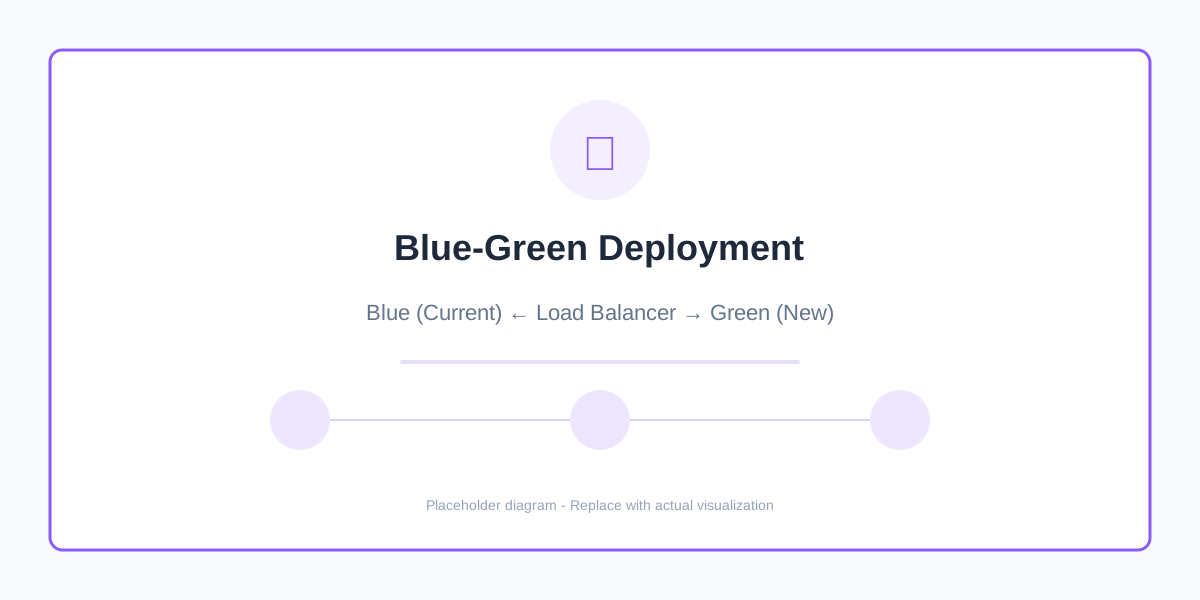
Figure 3: Blue-green deployment strategy
8. Notification and Monitoring
  notify:
    name: Notify Team
    runs-on: ubuntu-latest
    needs: [deploy-staging, deploy-production]
    if: always()

    steps:
      - name: Slack Notification
        uses: slackapi/slack-github-action@v1
        with:
          webhook-url: ${{ secrets.SLACK_WEBHOOK }}
          webhook-type: incoming-webhook
          payload: |
            {
              "text": "Deployment Status: ${{ job.status }}",
              "blocks": [
                {
                  "type": "section",
                  "text": {
                    "type": "mrkdwn",
                    "text": "*Deployment*: ${{ github.repository }}\n*Status*: ${{ job.status }}\n*Branch*: ${{ github.ref }}\n*Commit*: ${{ github.sha }}"
                  }
                }
              ]
            }
9. Complete Workflow Example
Here's the complete pipeline with all stages:
name: Complete CI/CD Pipeline

on:
  push:
    branches: [main, develop]
  pull_request:
    branches: [main]

env:
  REGISTRY: ghcr.io
  IMAGE_NAME: ${{ github.repository }}

jobs:
  lint-and-format:
    name: Code Quality
    runs-on: ubuntu-latest
    steps:
      # ... (code quality steps)

  test:
    name: Run Tests
    runs-on: ubuntu-latest
    needs: lint-and-format
    steps:
      # ... (testing steps)

  security-scan:
    name: Security Scanning
    runs-on: ubuntu-latest
    needs: lint-and-format
    steps:
      # ... (security scanning steps)

  build:
    name: Build Docker Image
    runs-on: ubuntu-latest
    needs: [test, security-scan]
    steps:
      # ... (build steps)

  deploy-staging:
    name: Deploy to Staging
    runs-on: ubuntu-latest
    needs: build
    if: github.ref == 'refs/heads/develop'
    steps:
      # ... (staging deployment)

  deploy-production:
    name: Deploy to Production
    runs-on: ubuntu-latest
    needs: [build, deploy-staging]
    if: github.ref == 'refs/heads/main'
    steps:
      # ... (production deployment)

  notify:
    name: Notify Team
    runs-on: ubuntu-latest
    needs: [deploy-staging, deploy-production]
    if: always()
    steps:
      # ... (notification steps)
10. Pipeline Optimization Tips
Cache Dependencies
- name: Cache pip dependencies
  uses: actions/cache@v3
  with:
    path: ~/.cache/pip
    key: ${{ runner.os }}-pip-${{ hashFiles('requirements.txt') }}
    restore-keys: |
      ${{ runner.os }}-pip-
Matrix Testing
test:
  strategy:
    matrix:
      python-version: ['3.9', '3.10', '3.11']
      os: [ubuntu-latest, windows-latest, macos-latest]
  runs-on: ${{ matrix.os }}
  steps:
    - uses: actions/setup-python@v4
      with:
        python-version: ${{ matrix.python-version }}
Conditional Steps
- name: Deploy
  if: github.ref == 'refs/heads/main' && github.event_name == 'push'
  run: ./deploy.sh
Best Practices
| Practice | Description | Benefit |
|---|---|---|
| Fail Fast | Run quick checks first | Save time and resources |
| Parallel Jobs | Run independent jobs concurrently | Faster pipeline execution |
| Cache Dependencies | Cache npm/pip packages | Reduce build time |
| Matrix Testing | Test multiple versions | Ensure compatibility |
| Secrets Management | Use GitHub Secrets | Security |
| Environment Protection | Require approvals for production | Safety |
Monitoring Pipeline Performance
- name: Track deployment time
  run: |
    START_TIME=$(date +%s)
    # ... deployment steps ...
    END_TIME=$(date +%s)
    DURATION=$((END_TIME - START_TIME))
    echo "Deployment took $DURATION seconds"
Troubleshooting Common Issues
- Slow builds - Use caching and parallel jobs
- Flaky tests - Implement retry logic
- Secret exposure - Use GitHub Secrets properly
- Failed deployments - Implement rollback mechanisms
- High costs - Optimize runner usage and caching
Security Checklist
- [ ] All secrets stored in GitHub Secrets
- [ ] Dependency scanning enabled
- [ ] Container image scanning enabled
- [ ] Code quality gates enforced
- [ ] Production requires manual approval
- [ ] RBAC configured for environments
- [ ] Audit logging enabled
Conclusion
A well-designed CI/CD pipeline provides:
- ✅ Fast feedback - Catch issues early
- ✅ Automated testing - Reduce human error
- ✅ Security - Built-in scanning and checks
- ✅ Confidence - Safe deployments
- ✅ Efficiency - Faster time to market
Start with the basics and gradually add more sophisticated features as your needs grow.
Need help setting up CI/CD? Contact us for DevOps consulting.